Keep the desk
Install the app
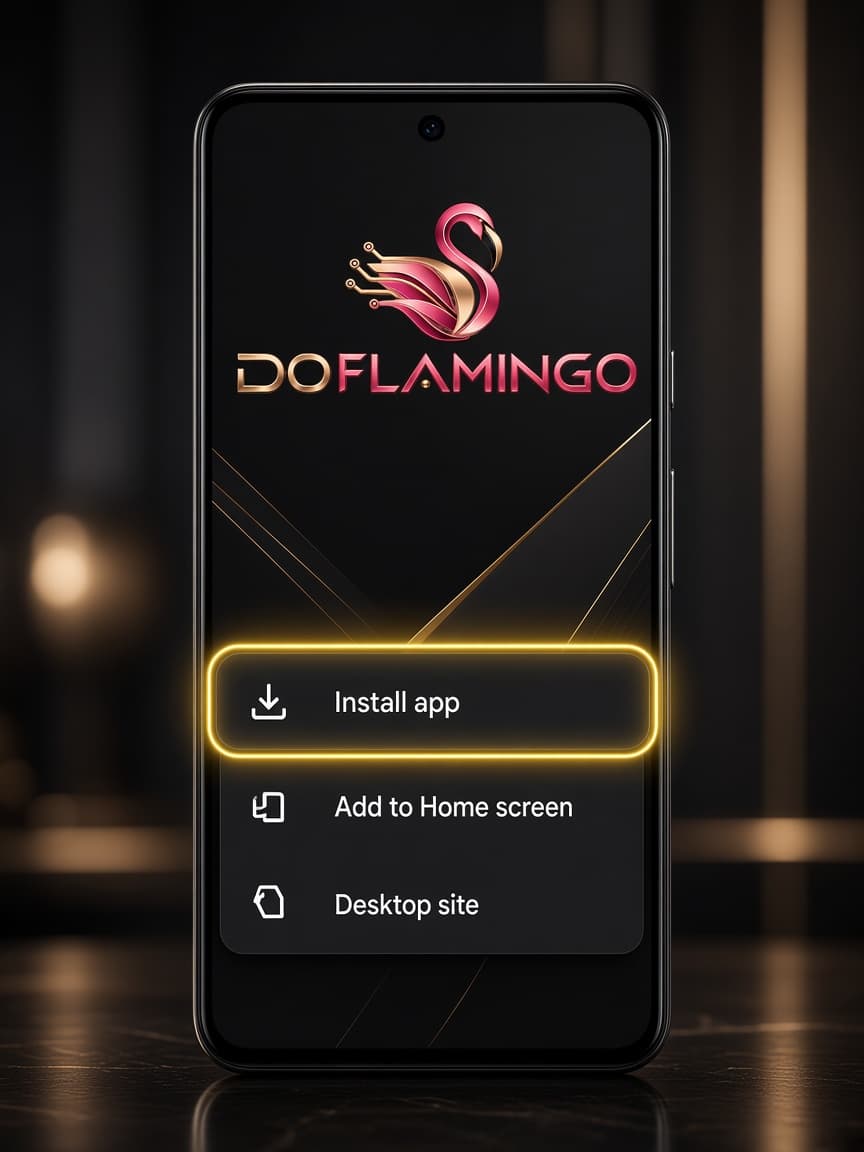
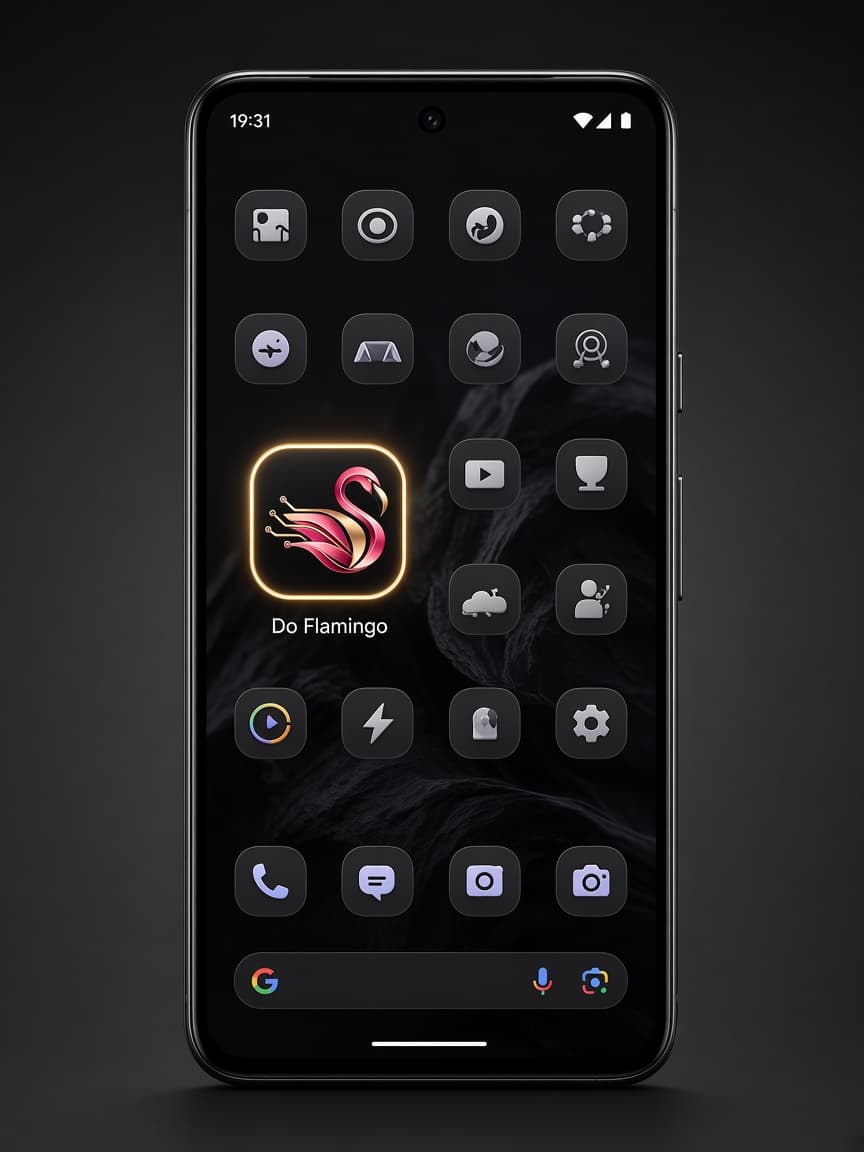
Sign in at the player desk, then add it to your Home Screen. The icon opens that same chat. Alerts only work from the icon, not a browser tab.
Player desk after login
Sign in here. The Home Screen icon opens this same chat.
iPhone
Install on iPhone
Safari only. Then allow alerts the first time you open the icon.
- 1
Open the desk in Safari
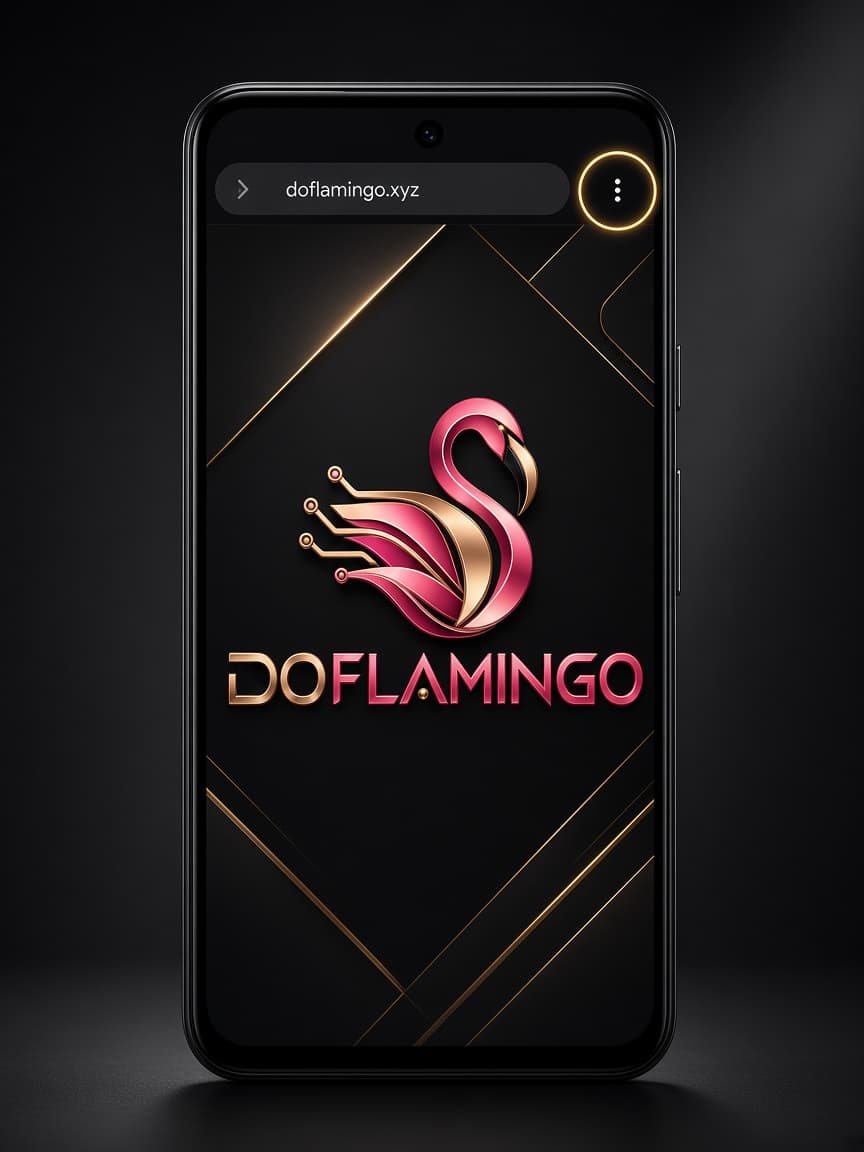
Go to doflamingo.xyz/portal in Safari and sign in. That is the chat the Home Screen icon opens. If you are in Instagram, Messenger, or Chrome, copy the desk link and paste it in Safari first.
- 2
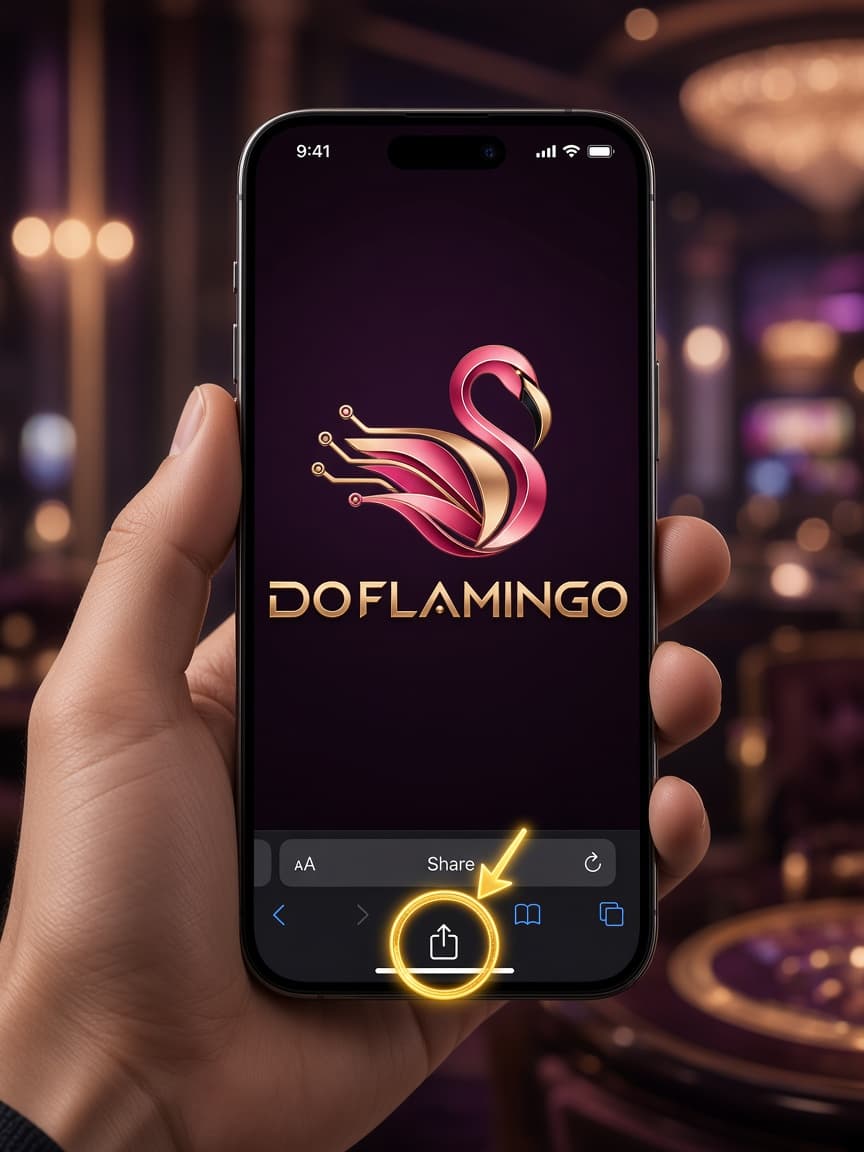
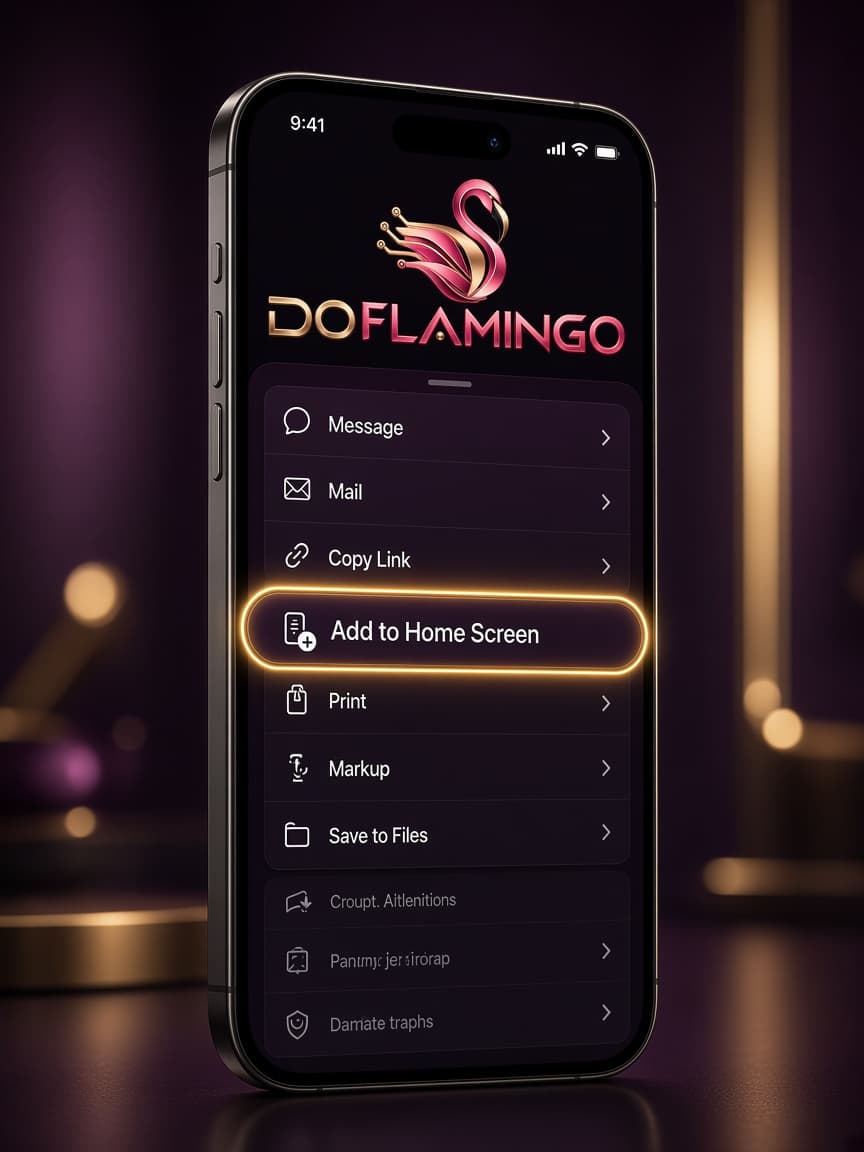
Tap Share, then Add to Home Screen
The Share button is the square with the arrow on the Safari bar. Scroll the sheet and tap Add to Home Screen, then Add.
- 3
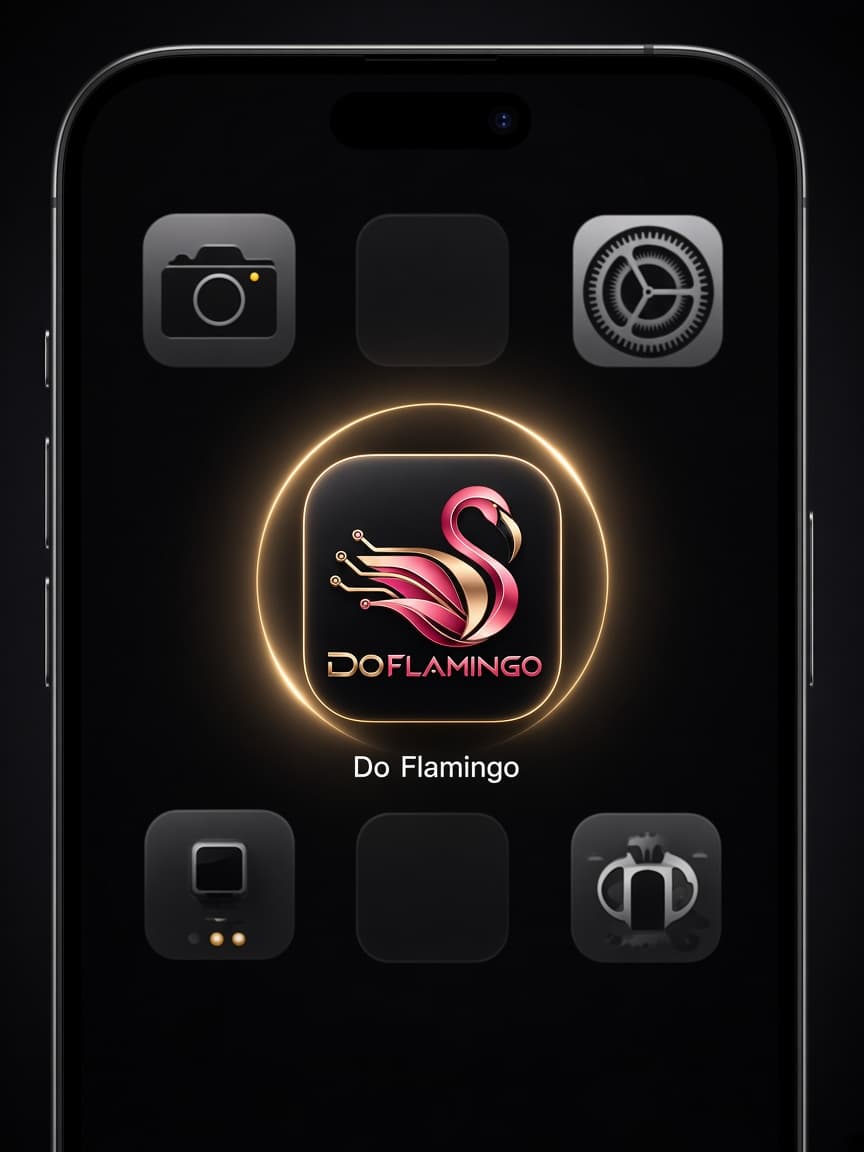
Open the new icon
Leave Safari and tap Do Flamingo on your Home Screen. Message alerts only stay on if you open it from that icon.